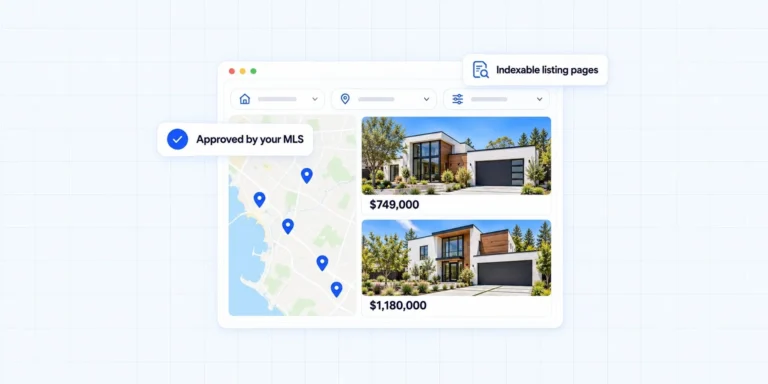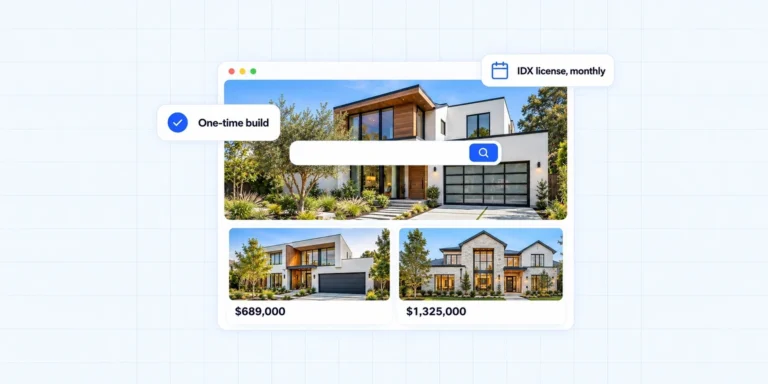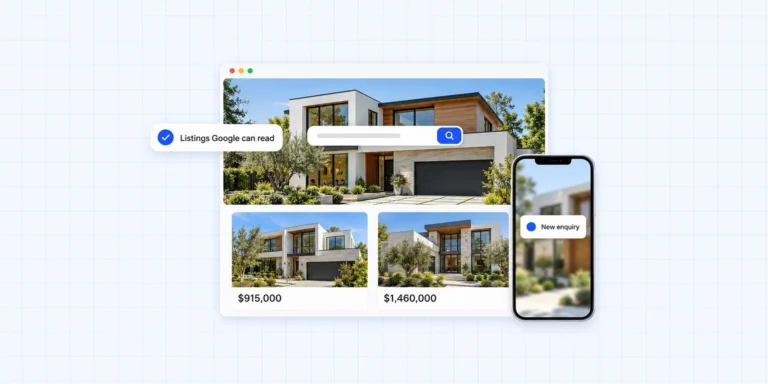
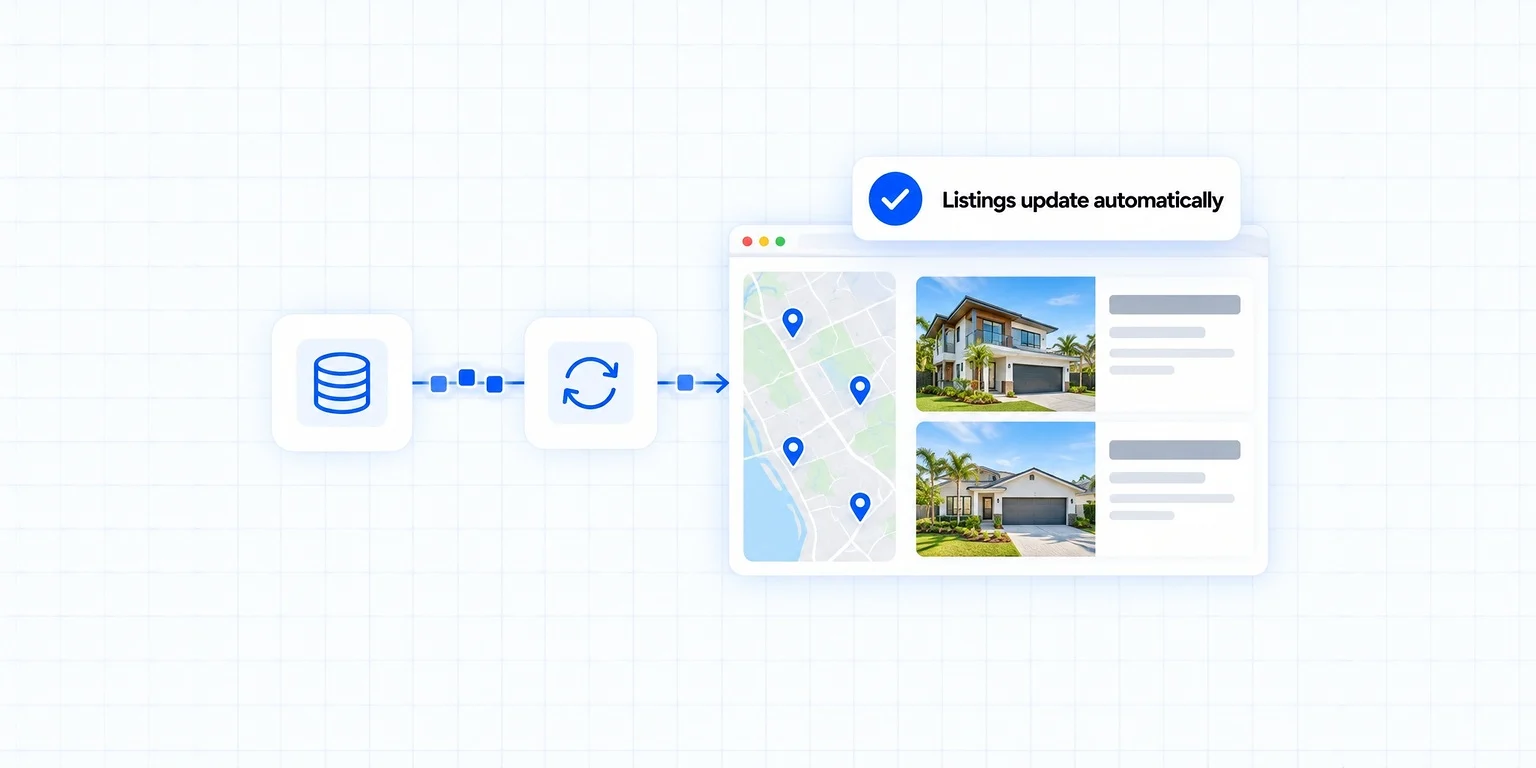
Quick answer: To add MLS search to your website you need three things: a website you control, an IDX provider such as IDX Broker, Showcase IDX or iHomefinder, and approval from your local MLS. The provider pulls the listing feed, your MLS says who is allowed to display it, and the plugin or API puts it on a page you own. Most of the work is paperwork, not code.
To integrate IDX and MLS on your real estate website is to put live listings on a page you own, instead of sending buyers to a portal. The data standards that make it possible are maintained by RESO, and knowing the shape of them makes choosing a provider much simpler.
What Are IDX and MLS?
The two get used interchangeably, and they are not the same thing. One is the permission, the other is the database.
- MLS (Multiple Listing Service): the shared database where agents and brokers list properties. It is the source of the data. Access is restricted to licensed professionals who are members of that particular MLS.
- IDX (Internet Data Exchange): the agreement and the technology that let you display other brokers’ listings on your own site. It is the permission layer plus the pipe that carries the data.
You cannot have IDX without MLS membership, and MLS membership on its own does not put listings on your website. If you want the longer version, I wrote a separate piece on what IDX is and why a real estate website needs it.

Why Integrate IDX and MLS on Your Own Site?
Portals will happily show your listing and then sell the lead that comes from it. The point of putting search on your own domain is that the enquiry arrives with you.
- Wider inventory: you show every listing in your market, not only your own, so a buyer has a reason to stay on your site.
- Current data: the feed refreshes on the provider’s schedule, so price changes and status changes follow through without you touching anything.
- The lead is yours: a saved search or an enquiry on your own domain goes into your inbox and your CRM, not into a queue you are paying to sit in.
- Pages that can rank: neighborhood and property-type pages built around the feed give search engines something local to index. That works best alongside the rest of your real estate SEO.
How to Add MLS Search to Your Website, Step by Step
It looks complicated from the outside. In practice it is a short sequence, and the slow part is almost never the technical bit.

1. Start With a Site You Actually Own
Before any feed, you need somewhere to put it that you control. A rented platform will let you display listings and will also keep the site if you stop paying. Across the 200+ real estate sites I have built, that is the single thing clients regret most. If you are starting from nothing, a custom real estate website on WordPress gives you a foundation you keep.
Squarespace and Wix can display IDX in a limited way, usually through an embedded widget. The listings sit in an iframe, which means search engines largely ignore them. If organic traffic matters to you, that is a real cost.
2. Choose an IDX Provider
Providers differ in price, in which MLSs they support, and in how much of the output you can style. The three I work with are:
- IDX Broker: very wide MLS coverage, strong search and mapping, the most common choice.
- Showcase IDX: cleaner front end and good consumer features such as saved searches and favorites.
- iHomefinder: solid WordPress integration, good value at the lower tiers.
Check coverage for your specific MLS before you pay for anything. Coverage is regional, and a provider that is perfect in one state may not serve your board at all. If you are weighing them up, I go through the trade-offs on the IDX websites page, and you can also book an IDX consultation if you want a straight answer for your market.
Note that platforms such as Real Geeks or Lofty are not IDX providers in this sense. They are all-in-one subscription platforms that include IDX, which is a different purchase with different ownership terms.
3. Get MLS Approval
This is the step that sets your timeline. Your MLS has to approve the IDX display, and most boards want a signed IDX agreement, confirmation of your brokerage, and sometimes a look at the site before it goes live. Some approve in a few days, others take longer.
Rules vary by board, and they are genuinely enforced: required disclaimers, how often the feed must refresh, which fields you may and may not display. Ask your MLS or your broker for their current IDX policy rather than relying on a general article, including this one.
4. Connect the Feed
Once the provider and the MLS both say yes, connecting the feed is the quick part.
- WordPress: install the provider’s plugin, authenticate with your account, and the search and listing templates appear. An afternoon of work.
- Custom build: your developer consumes the API directly. More effort, but you control the markup, the page speed and the URL structure, which is what makes the pages rankable.
Full MLS integration work sits here, and it is usually done at the same time as the build rather than bolted on later.
5. Make the Results Page Yours
The default output from any provider looks like the default output from that provider. Styling it to your brand, setting sensible default filters for your market, and deciding which fields show on a card is what separates a site that converts from one that merely works.
This is also where lead capture belongs: a saved-search prompt, a clear enquiry form, and routing so the lead reaches whoever should answer it. That is the difference between a search tool and a lead generation website.
6. Test Before You Announce It
Before launch, check that listings refresh, that filters return what they should, that the map behaves on a phone, and that an enquiry actually arrives. Test the forms yourself from a real device.
What It Costs
There are three separate bills and they are often confused with each other:

- The website build. A one-time cost. Reaplex plans start from $685 for a build you own outright, with no monthly platform fee. The full breakdown is on the pricing page.
- The IDX provider. Billed monthly by the provider, directly to you.
- MLS dues. Billed by your board, and payable whether or not you display IDX.
A subscription platform bundles all three into one monthly figure, which looks simpler and costs more over time. I compare the two models honestly on Reaplex versus rented platforms.
Frequently Asked Questions
How do I add MLS search to my website?
Sign up with an IDX provider that supports your MLS, get IDX display approval from your board, then connect the feed to your site with the provider’s WordPress plugin or through their API. You need to be a licensed member of that MLS to do it.
Can I put IDX on a Wix or Squarespace site?
Usually yes, through an embedded widget, but the listings sit inside an iframe and search engines largely will not index them. If you want the listing pages themselves to bring in traffic, WordPress with a native plugin or a direct API build is the better route.
Do I need a real estate license to display MLS listings?
Yes. IDX access runs through MLS membership, which is restricted to licensed professionals. An unlicensed marketer cannot obtain a feed in their own name.
How long does IDX approval take?
It depends entirely on your MLS. Some boards turn it around in days, others take weeks and want to review the live site first. Ask your MLS for their current timeline before you promise a launch date.
Who owns the leads from IDX search on my site?
On a site you own, you do. The enquiry goes to your inbox and your CRM. On a rented platform, read the contract, because lead handling and what happens to your data if you leave are the terms that matter most.
What happens to my IDX if I change websites?
The IDX account stays yours as long as you keep paying the provider and remain an MLS member. The feed is reconnected to the new site. The part that does not always move is the content and the URLs, which is why a planned website migration matters.
Getting It Right First Time
Adding IDX and MLS to your own site is mostly a sequencing problem: pick the provider that covers your board, start the MLS paperwork early because it sets the date, and build the search into a site you own rather than renting one.
If you would rather not work through it alone, that is what I do. I have built 200+ real estate sites and hold a 5.0 rating from 180+ verified reviews, and most builds go live in two to four weeks. Book a free consultation and I will tell you which provider fits your MLS and what it will actually cost, before you commit to anything.
Want this done for your website?
Book a free, no-pressure call and I’ll map exactly how your real estate website can capture more leads, and what it costs to own it.

Asraful has built 200+ real estate websites with IDX and MLS integration, rated 5.0 across 180+ verified reviews. He writes about owning your website, lead generation and getting found on Google.
More about Reaplex