Quick answer: Yes, you can and should have a Google Business Profile as a real estate agent. Google’s own guidelines name real estate agents as “individual practitioners” who are eligible for their own profile. Set it up under your real name, choose “Real estate agent” as your primary category, hide your address if you work from home, verify it, and then do the three things Google says help local ranking: complete information, reviews, and photos. Link it to a page on your own website, and keep both up to date.
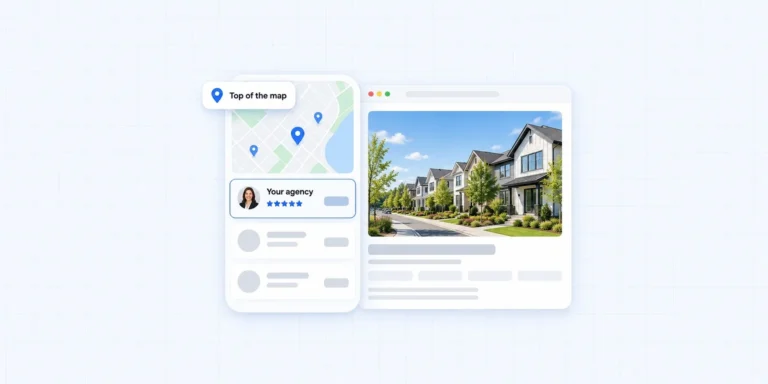
When someone searches “real estate agent near me” or “realtor in [your town]”, the first thing they usually see is a map with three agents on it. Those are Google Business Profiles. For an individual agent, a well-run Google Business Profile is one of the few free ways to show up above the portals. This guide covers who is eligible, how to set it up within Google’s rules, and how to turn it into calls rather than just views.
What This Guide Covers
- Are real estate agents eligible for a Google Business Profile?
- How Google ranks local results
- How to set up your Google Business Profile, step by step
- What to write in your description
- Google Business Profile or Zillow profile?
- Reviews: the part that moves the needle
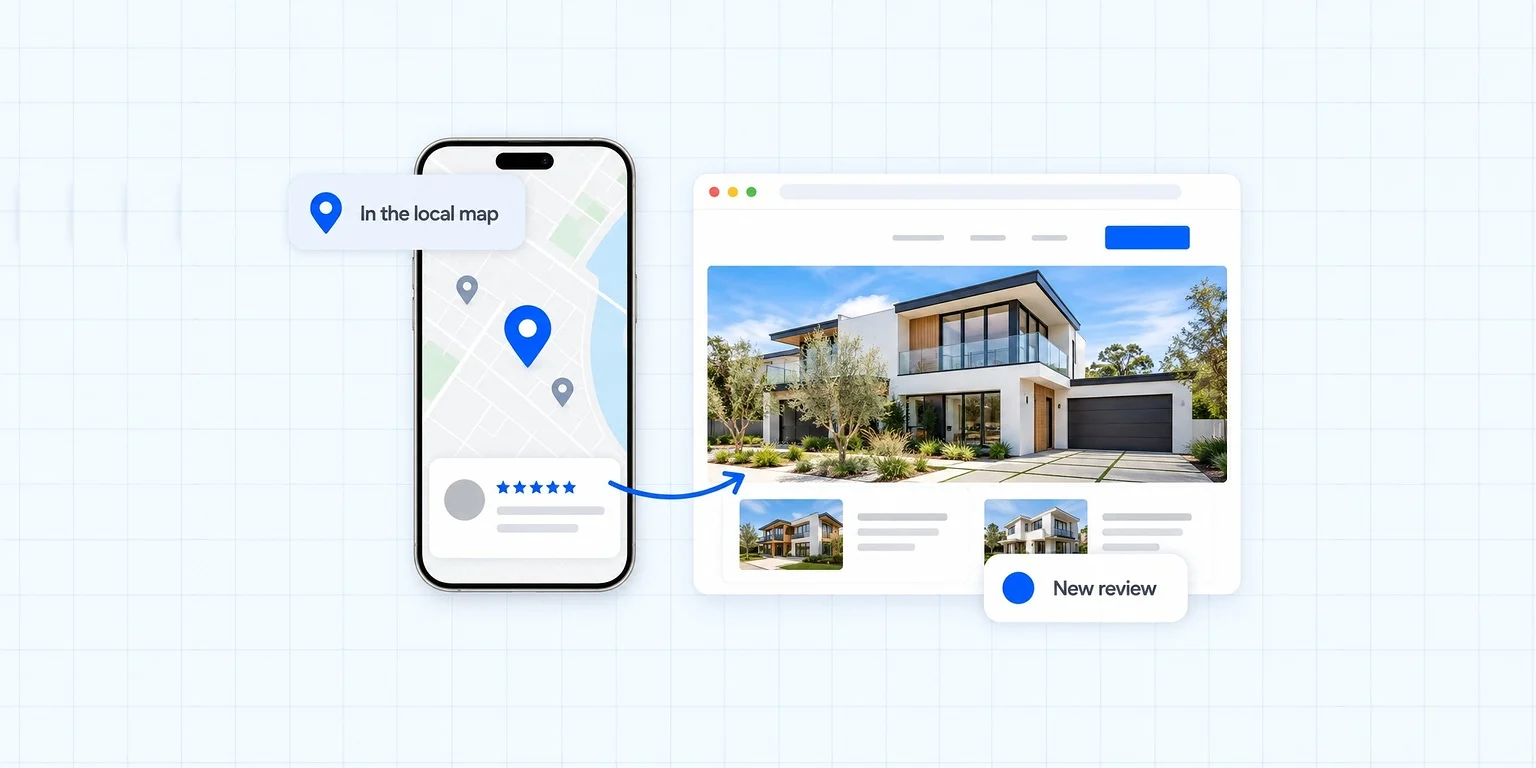
- Connecting your Google Business Profile to your website
- Mistakes that get agent profiles suspended
- A 30-minute monthly routine
- Frequently asked questions
Are Real Estate Agents Eligible for a Google Business Profile?
Yes. Google’s guidelines for representing your business on Google say it plainly: doctors, dentists, lawyers, financial planners, “and insurance or real estate agents are all individual practitioners.” That means you can have a Google Business Profile of your own, as long as you work in a public-facing role and can be contacted directly.
The same guidelines set some rules that matter for agents:
- One profile per practitioner. You should not create several profiles to cover different specialties or towns.
- Brokerage offices have their own profile. When several agents work from one office, the office gets a Google Business Profile of its own, and each public-facing agent can have a separate one under their own name, without the brokerage name in the title.
- Solo agents with a brand share one profile. If you are the only public-facing agent at a branded location, Google’s format is “[brand]: [your name]”, in one shared profile.
- Support staff do not get profiles. Assistants and transaction coordinators should not create their own.
- No virtual offices or PO boxes. A rented mailing address you do not work from is not eligible. A co-working office counts only if it has clear signage, receives customers during business hours, and is staffed by you or your staff.
If you work from home and meet clients at their homes or at showings, you are what Google calls a service-area business. You still qualify; you just hide your address, which we cover below.
How Google Ranks Local Results
Google explains its local ranking in its help article on improving your local ranking. Three factors decide who appears in the map:
- Relevance: “how well a Business Profile matches what someone is searching for.”
- Distance: “how far each business is from the customer who’s searching.”
- Prominence: “how well-known a business is.”
You cannot change distance. You can improve relevance, by choosing the right category and describing your services fully, and prominence, through reviews, photos and how well your business is known across the web, including your own website. Google also says businesses with complete and accurate information are more likely to show up, and that more reviews and positive ratings can help local ranking. Everything in this guide works on those two levers.

How to Set Up Your Google Business Profile, Step by Step
1. Create or claim the profile
Go to Google Business Profile with the Google account you will keep long term, ideally one tied to your own domain email rather than your brokerage email. Search for your name first: a profile may already exist from an old listing, in which case you claim it instead of creating a duplicate.
2. Use your real-world name
Google’s guidelines say your name “should reflect your business’s real-world name” and that “including unnecessary information in your business name isn’t permitted.” So “Sarah Chen” or “Sarah Chen, REALTOR®” is fine. “Sarah Chen Best Realtor Austin Homes For Sale” is a fast route to a suspension, and it is the most common mistake agents make on a Google Business Profile.
3. Choose “Real estate agent” as your primary category
Google asks you to pick categories that complete the sentence “This business IS a”, as few as possible and as specific as possible. For most agents that is a primary category of “Real estate agent”. Add a secondary category only if it is genuinely true, and do not use categories as keywords.
4. Set your location or service area
If clients visit you at a staffed office, use that address. If you work from home and travel to clients, set yourself up as a service-area business and hide your address. Google’s guidance is that a service area should not extend farther than about two hours of driving time from where you are based, so list the towns and areas you really serve.
5. Add a phone number and website you control
Google requires the phone number to be “under the direct control of the business”, so use your own mobile or a line that rings you. For the website, link to your own site, either your home page or, if you serve one main area, the page about that area. A brokerage roster page is a weak choice because it is shared with every other agent.
6. Verify
Google will ask you to verify that you are authorized to represent the business, often by video. Google notes that a verified business is more likely to show up in search results, so do this before anything else.
7. Complete every section
Write a description in your own words: who you help, where, and how. Add your services (buyer representation, seller representation, relocation, first-time buyers, whatever is true). On hours, Google’s guidelines say businesses that operate only by appointment should not list hours, so if you only meet by appointment, follow that rule rather than inventing office hours.
8. Add real photos
Google says photos and videos help you tell customers “what you offer and tell the story of your business.” Add a professional headshot, photos of you at listings and closings (with client permission), and photos of the neighborhoods you serve. Real beats stock, every time.
9. Post regularly
Use updates to share new listings, open houses, market notes and recent sales. Posts keep your Google Business Profile active and give searchers a reason to call you rather than the next agent in the map.

What to Write in Your Google Business Profile Description
The description is one of the few places on a Google Business Profile where you write in your own words, and most agents waste it on a slogan. Use it to answer three questions: who you help, where, and what happens when they call. Keep it factual and specific; slogans and lists of keywords are the parts readers skip.
Here is a template you can adapt. Replace everything in brackets with what is true for you:
I help [first-time buyers, move-up buyers and downsizers] buy and sell homes in [City], [Neighborhood] and [Neighborhood]. I have lived in [area] for [number] years and work with [Brokerage]. Sellers get a pricing plan based on recent sales in their street, professional photography and a marketing plan for every listing. Buyers get new listings the day they hit the market and help with every step from first showing to closing. Call or text me directly, or visit my website to search homes and see what your home is worth.
Notice what it does. It names real places, which helps relevance. It describes services in plain words. It tells people exactly what to do next. And it sends them to your website, where your listings and home value tool live.
Google Business Profile or Zillow Profile?
Agents often ask which matters more. They do different jobs, and most agents should have both.
- Google Business Profile puts you in local search and the map, for free, under your own name. People who find you there are searching for an agent, not just a house.
- A Zillow profile shows your reviews and sales to people already browsing Zillow, alongside other agents who may be advertising beside you.
The difference that matters: your Google Business Profile links to your own website, while a portal profile keeps the visitor on the portal. Use both for reviews and visibility, but treat the Google Business Profile as the front door to your own site. I went into the portal side in why Zillow is not enough for real estate agents.
Reviews: The Part That Moves the Needle
Of everything on a Google Business Profile, reviews are the part agents can influence most directly, and Google says more reviews and positive ratings can help local ranking. They also do something rankings cannot: they persuade the person reading them.
- Ask every client, at the right moment. The best time is right after closing, when the relief is fresh. Send a direct link to your review form by text.
- Make it easy. One link, one tap, no instructions about what to write.
- Reply to every review. Thank people by name and mention something specific about the deal (without private details). Future clients read your replies too.
- Never pay for reviews or offer incentives. It breaks Google’s policies and can cost you the profile.
- Show reviews on your website. Pull your Google reviews onto your site so visitors see them without leaving. Michael Olubajo’s site, one of the real estate agent website examples I built, does exactly this with a live Google reviews feed.
A steady trickle of genuine reviews beats a sudden batch. Aim for every closing, not a campaign once a year.
Connecting Your Google Business Profile to Your Website
A Google Business Profile on its own is a business card in the map. Connected to a good website, it becomes a pipeline. Here is how the two support each other.
- The website link is where interest turns into a lead. Someone sees your profile, taps “Website”, and lands on a page that should give them a reason to search homes, ask for a home value or book a call.
- Your website feeds relevance. Area pages about the neighborhoods you list as your service area tell Google what you are relevant for. My guide to local SEO for real estate agents covers how to build them.
- Consistency builds trust. Use exactly the same name, phone number and (if public) address on your Google Business Profile, your website and your other listings.
- Your own domain beats a roster page. Linking your profile to a brokerage page sends your best local traffic to a page shared with every other agent in the office.
If your site does not yet give map visitors a reason to stay, that is the gap to close first. That is what real estate SEO for agents and a site built for lead capture are for.
Mistakes That Get Agent Profiles Suspended
Most suspended agent profiles break one of a handful of rules. Avoid these and your Google Business Profile will be on solid ground.
- Keywords in the business name. Use your real name only.
- A virtual office or PO box as the address. Not eligible under Google’s guidelines.
- Multiple profiles for one agent, for different towns or specialties.
- Profiles for support staff, such as assistants or transaction coordinators.
- A service area far beyond where you work, more than about two hours’ drive.
- Incentivized or fake reviews, including reviews from family posing as clients.
- A phone number you do not control, such as a call-tracking number you cannot answer.

A 30-Minute Monthly Google Business Profile Routine
Once your Google Business Profile is set up, it needs a little attention every month. This is the routine I suggest to agents:
- Post twice: one listing or open house, one market note or recent sale.
- Add three photos: a listing, a neighborhood, a closing.
- Request reviews from everyone who closed this month.
- Reply to any new reviews and questions.
- Check your details: phone, website link, service area, and that nobody has suggested an incorrect edit.
Thirty minutes a month, done consistently, is worth more than a full day once a year.
Frequently Asked Questions About Google Business Profile for Real Estate Agents
Can a realtor have a Google Business Profile?
Yes. Google’s guidelines list real estate agents as individual practitioners who are eligible for their own profile, provided they work in a public-facing role and can be contacted directly.
Should I use my brokerage’s address?
If you genuinely work from and meet clients at that office, you can. If several agents work there, the office should have its own profile and yours is under your own name. If you work from home, set yourself up as a service-area business and hide the address.
Can I hide my home address?
Yes. Google’s guidelines say service-area businesses should hide their address from customers. You list the areas you serve instead.
How many reviews do I need to rank?
There is no fixed number. Google says more reviews and positive ratings can help local ranking. The practical goal is to ask every client after every closing and reply to every review.
Can my team share one Google Business Profile?
A team that works from one office can have one profile for that office, and each public-facing agent can also have their own under their own name. Support staff should not have profiles.
Should I pay someone to manage my Google Business Profile?
You do not need to. The setup takes an afternoon and the monthly routine above takes about thirty minutes. Paying for help makes sense if you will genuinely never do the posts and photos yourself. Whoever helps, keep ownership: add them as a manager on the profile rather than handing over your Google account, and never let anyone stuff keywords into your name or invent a service area to look bigger.
How long does it take a new Google Business Profile to show up?
Verification comes first, and then it varies with your market and competition. Profiles with complete information, real photos and a steady flow of reviews tend to gain ground over the following months.
What I Would Do
Set up or clean up your Google Business Profile this week using the nine steps above, then look hard at where its website link goes. The profile earns the click; your website has to earn the call.
If your website is the weak link, I build websites for real estate agents with local area pages, reviews on the page and leads routed to your phone. 200+ sites, a 5.0 rating from 180+ verified reviews, and most go live in 2 to 4 weeks. Start with a free website audit or book a free consultation.
Want this done for your website?
Book a free, no-pressure call and I’ll map exactly how your real estate website can capture more leads, and what it costs to own it.

Asraful has built 200+ real estate websites with IDX and MLS integration, rated 5.0 across 180+ verified reviews. He writes about owning your website, lead generation and getting found on Google.
More about Reaplex